Open an editable event
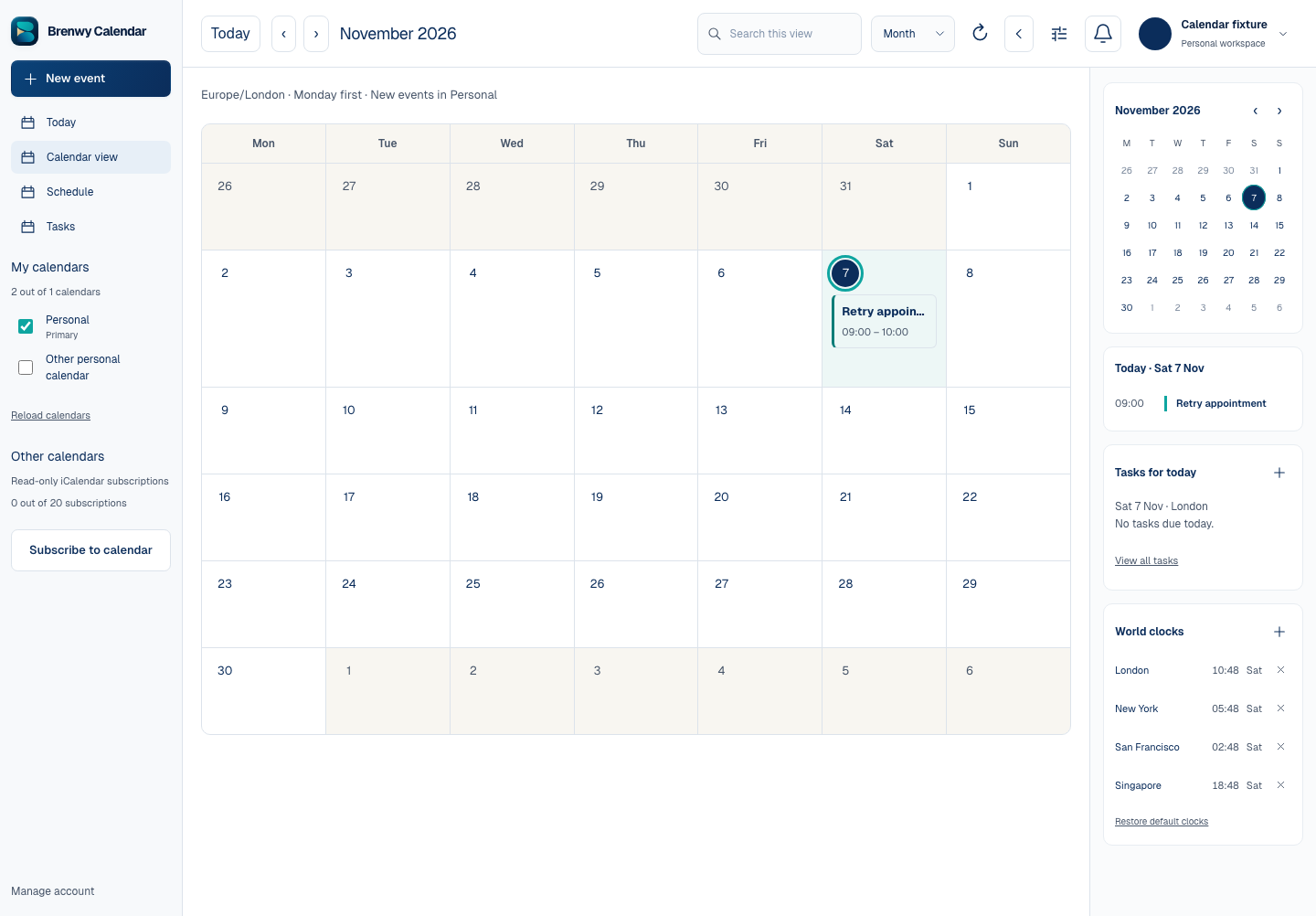
Open Calendar, locate the event and open its editor. Check the selected calendar and whether you have permission to change it.
Read-only events display their details without the editing controls. An attendee cannot assume the same authority as the organiser.
Save a change
Update the required fields and choose Save event. For recurring events, check whether the change applies to one occurrence or the series.
If another change causes a conflict or a save is uncertain, follow the displayed refresh or retry instructions. Do not repeatedly create new copies.
Cancel an event
Use the cancellation control where your permissions allow it, then read the confirmation. For a recurring event, confirm whether you are cancelling one occurrence or the entire series.
Cancellation removes the affected event from the calendar. Guest cancellation messages use the authorised organiser’s Mail workflow where available, so review delivery status separately.
 Enlarge screenshot