Choose a calendar
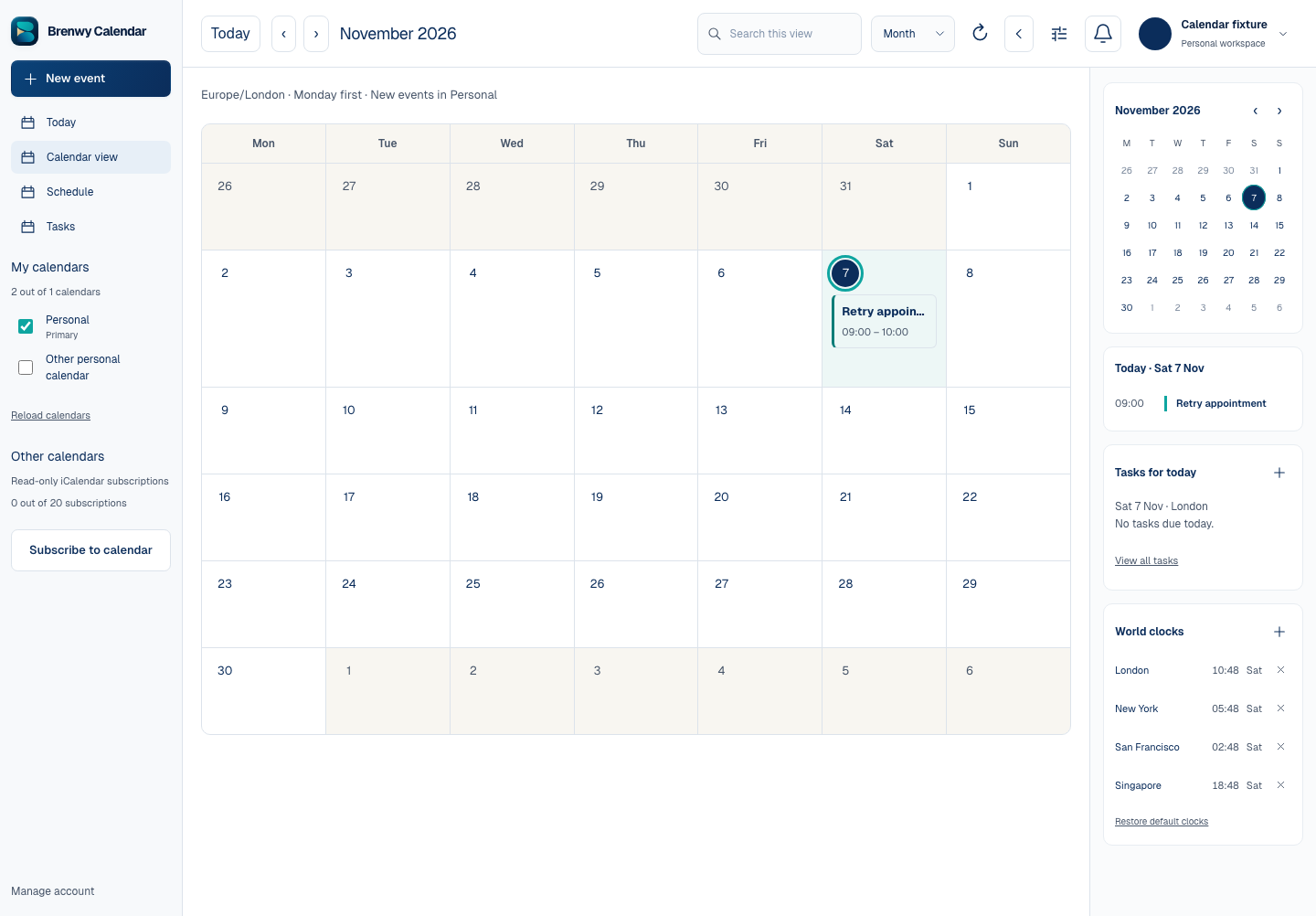
Open Calendar and select a calendar where you have write access. A read-only shared calendar cannot be used to create or change events.
Start a new event through the calendar controls or an available date/time slot. The editor may show New event or Quick add event depending on the entry point.
Add the details
Enter a title, start and end, and the appropriate time zone. For an all-day event, review the dates rather than assuming the timed-event settings apply.
Add a description, location, guests, recurrence or reminders only where supported and needed. Check recurring-event dates and the intended guest addresses carefully.
Choose Save event and wait for confirmation. If a request is uncertain, use Retry same change before creating a replacement.
Invitations and permissions
Saving an event and delivering guest invitations are separate operations. Review any Mail invitation status shown; do not assume a save means every invitation was delivered.
Calendar access and event permissions depend on the selected personal, business or shared calendar.
 Enlarge screenshot